

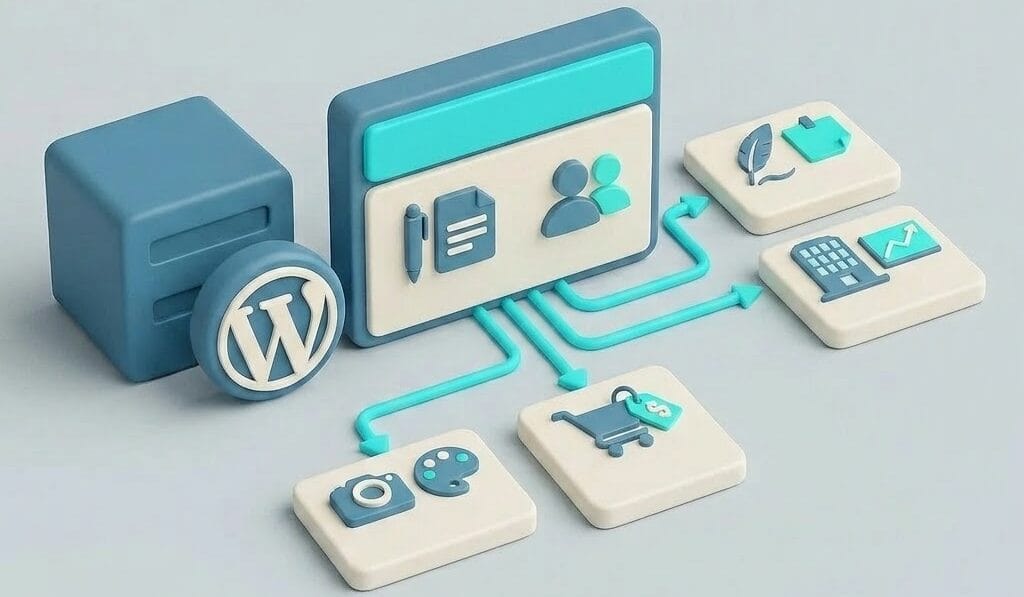
WordPress is a free, open-source content management system (CMS): software that lets you build and manage a website without having to code. Open source means that the source code is freely available and is continuously developed by a global community. You write text, upload photos, and design pages through an admin interface in your browser, much like you would in a word processor. WordPress runs on your own hosting package and is by far the most widely used website system in the world: roughly four out of ten websites run on it, ranging from personal blogs to the sites of major brands.
You’re probably asking this question because you want to start a website, or because someone told you that your site “runs on WordPress” and you want to know what that means. In either case, after reading this article, you’ll understand how the system works, for which sites it is—and isn’t—the logical choice, and what you, as the owner, can do with it.
How WordPress Works
A WordPress site consists of three layers that you can customize independently. The core is WordPress itself: the system that stores your content in a database (the repository for all your text and settings) and displays pages to visitors. On top of that, a theme determines how everything looks: layout, colors, and fonts. And plugins are extensions that add functionality: a contact form, an online store, improved search engine visibility. That layered structure is the system’s strength: you can change the design without losing your content, and add features without having to code.
It’s important to understand the difference between WordPress.org and WordPress.com. The software itself comes from WordPress.org and is installed on a hosting plan of your choice; that’s what this article is about and what almost everyone means by “a WordPress site.” WordPress.com is a commercial service that offers a hosted version with limitations in its free and low-cost plans. Our opinion: if you want a serious site, choose the self-hosted route via WordPress.org on a good hosting plan. That way, you’ll have full ownership of your site and can use any theme or plugin.
What do you use WordPress for?
You can build virtually any type of website with WordPress, and for most types, it’s an excellent choice. A business site with a handful of pages, a blog or news site, a portfolio, and—with the WooCommerce plugin—a full-fledged online store: this is where WordPress really shines, and here you can take full advantage of the vast selection of themes, plugins, and Dutch-language support. Member-only sites, course platforms, and multilingual sites are also well within the realm of possibility, though they do require more setup work.
It’s also fair to point out when WordPress isn’t the logical choice. If you just need a simple one-page site that never changes, a website builder like Squarespace or Wix will get you up and running faster. And if you’re building a web application with a lot of custom logic, a developer is more likely to choose a framework than a CMS. For everything in between—which makes up the vast majority of all websites—WordPress is the safe, standard choice: not because it’s trendy, but because you’re never stuck. You can always find a plugin, a solution, or a specialist.
What You Can Do Yourself and How Much It Costs
The software is free; you pay for WordPress hosting (the hosting plan your site runs on) and a domain name, starting at just a few euros per month. Optionally, you can add a paid theme or premium plugins. Even without technical knowledge, you can get surprisingly far on your own: installing WordPress through your hosting control panel, choosing a theme, filling pages with the block editor, and adding a form—it’s all just a matter of clicking and typing. Our A Beginner's Guide to Creating a Website with WordPress takes you along exactly that route.
With Surver: You can install WordPress with us in a single click using Installatron in your hosting control panel, and every site comes with an SSL certificate by default for a secure connection. If you’d prefer that we handle the installation, we’ll take care of it through our webmaster service.
Where Responsibility Begins
This is the part that’s often left out of many enthusiastic explanations: a self-hosted WordPress site belongs to you, and so does the maintenance and management. WordPress, your theme, and your plugins receive ongoing updates that you need to keep up with, because outdated software is the most common cause of hacked sites that we see in practice. In addition, you’ll want to set up regular backups (copies of your site) so that a mistake or hack is never catastrophic; you can read how to set that up in our A Complete Guide to WordPress Backups and Migration. Plan on a fixed maintenance time of 15 to 30 minutes per week, or outsource it.
At Surver: With our managed packages, we take care of that maintenance for you. We handle updates after running a compatibility check, perform automatic daily backups, and scan your site for malware, so you can focus on your content.
From Concept to Implementation
In summary: WordPress is the standard tool for virtually any website; the software is free, with hosting as the only recurring cost and maintenance as the only ongoing obligation. The risks don’t lie in the system itself but in neglect: failing to update, not making backups, and using poorly maintained plugins. If you want to get started, begin with the installation and the getting-started guide above. If your site is already up and running and you want to learn how to manage it properly—from updates to troubleshooting—then our A Complete Guide to WordPress Management your reference book.
